

Retour aux Tutoriels
Android Phone
Follow these steps to install and set up the IPTV app on your Android phone.
6 étapes
Facile
~5 min
Guide Étape par Étape
Étape 1/6
1
Étape 1 sur 6
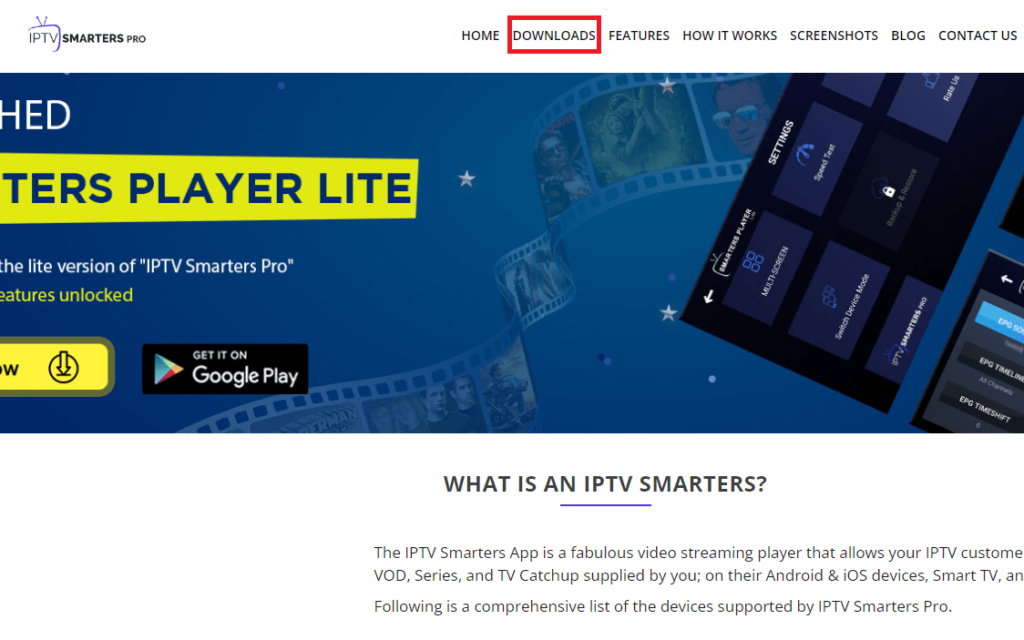
Open Google Play Store
On your Android phone, open the Google Play Store.
Étape 2/6
2
Étape 2 sur 6
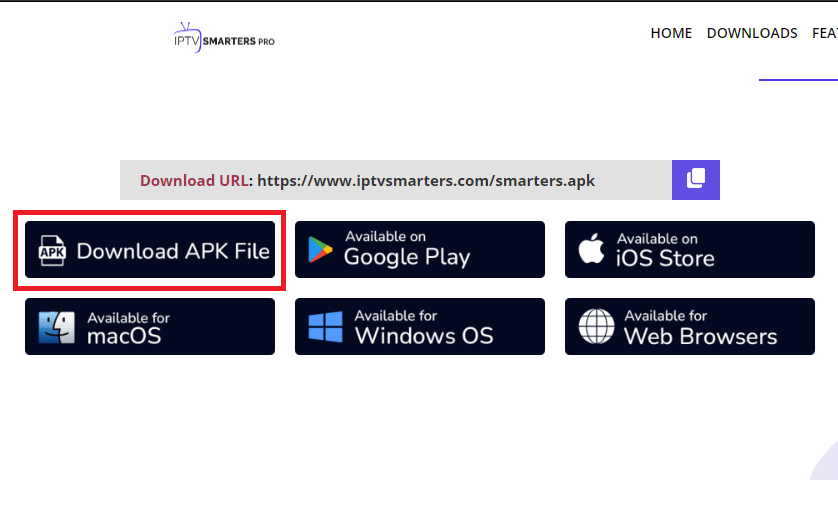
Search for IPTV Smarters
Search for 'IPTV Smarters Pro' and install the application.
Étape 3/6
3
Étape 3 sur 6
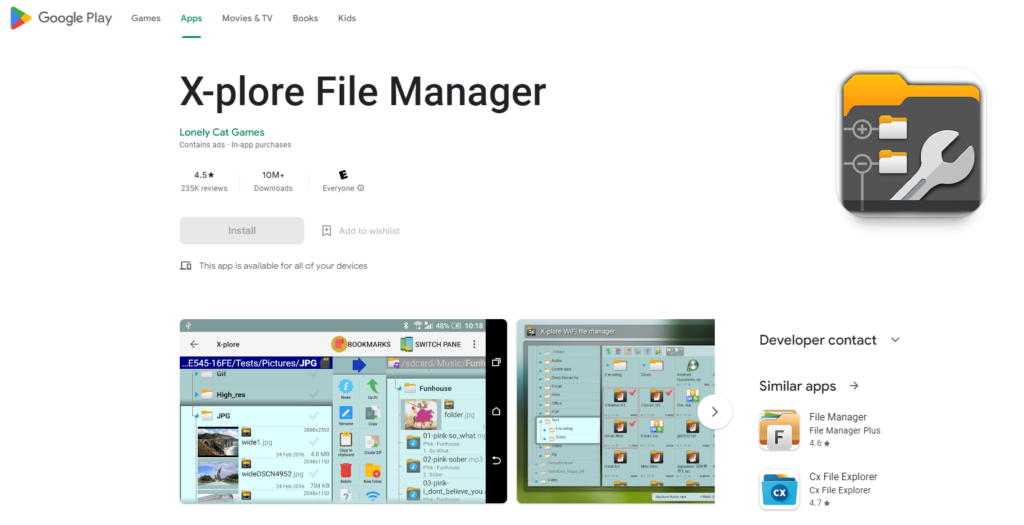
Open the App
Once installed, open IPTV Smarters Pro from your app drawer.
Étape 4/6
4
Étape 4 sur 6
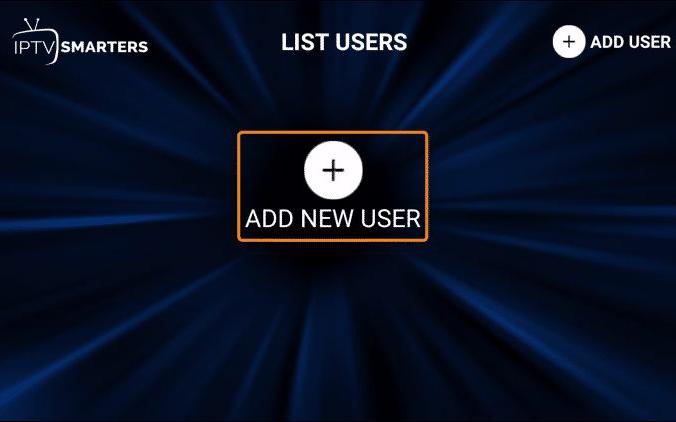
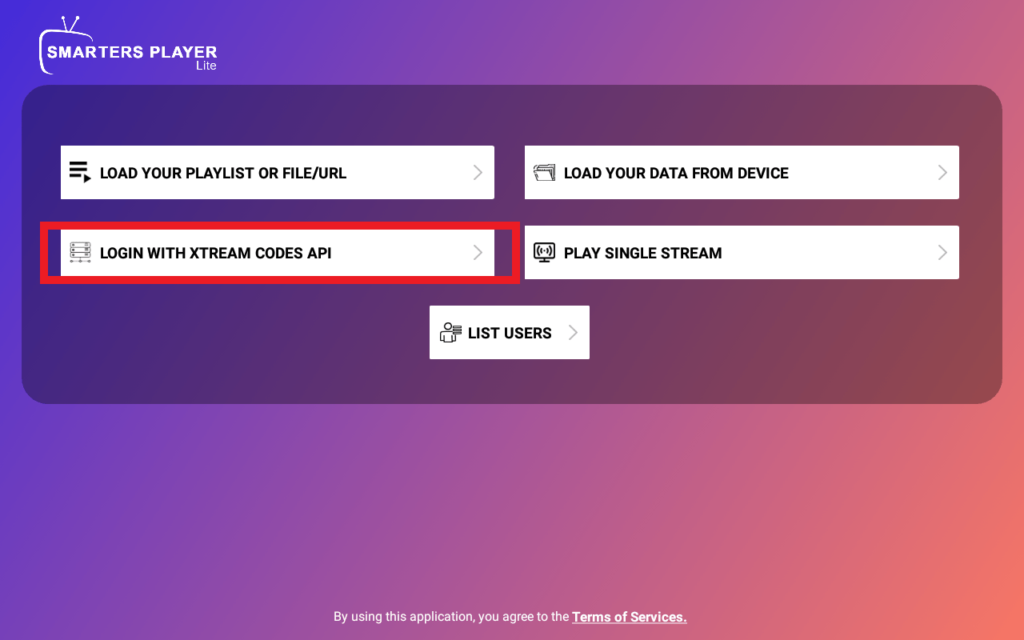
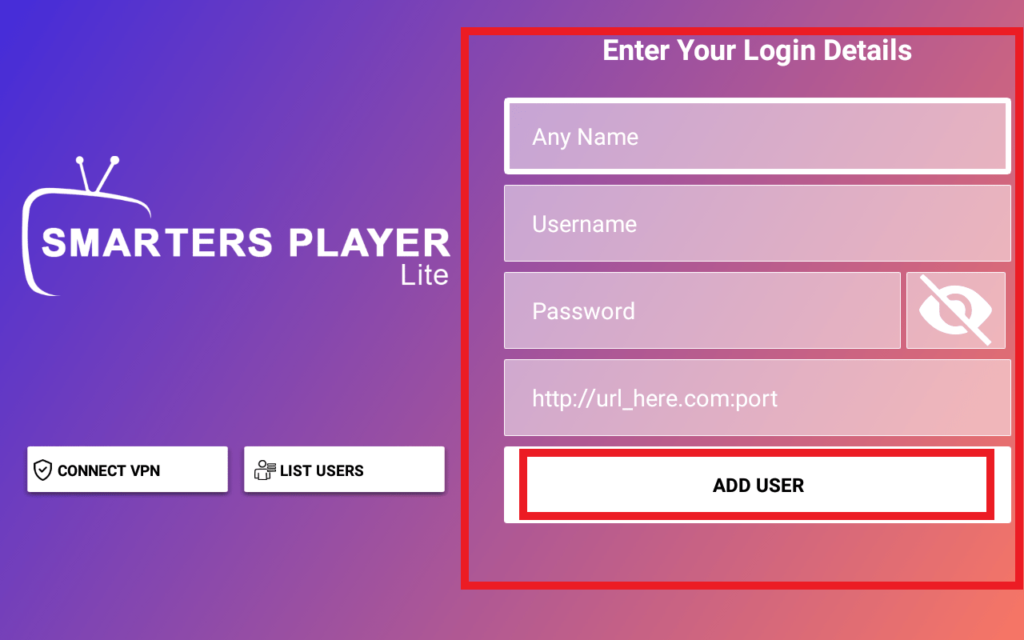
Login with Credentials
Select 'Xtream Codes API' and enter your server URL, username, and password from your welcome email.
Étape 5/6
5
Étape 5 sur 6
Browse and Watch
Browse through Live TV, Movies, and Series. Select any content to start streaming.
Étape 6/6
6
Étape 6 sur 6
Enjoy
You're all set! Enjoy streaming on your Android phone anywhere you go.
Installation Terminée !
Votre Android Phone est configuré. Profitez de 20 000+ chaînes en qualité 4K et HD.

Besoin d'Aide ?
Vous avez des difficultés avec l'installation ? Notre équipe de support 24/7 est prête à vous aider. Contactez-nous à tout moment.