

Apple TV
Follow these steps to install and set up the IPTV app on your Apple TV device.
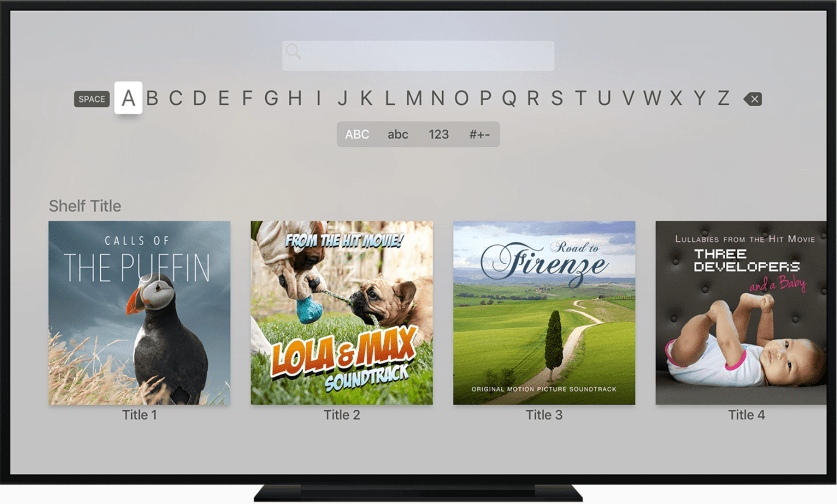
Open the App Store
On your Apple TV home screen, navigate to and open the App Store.
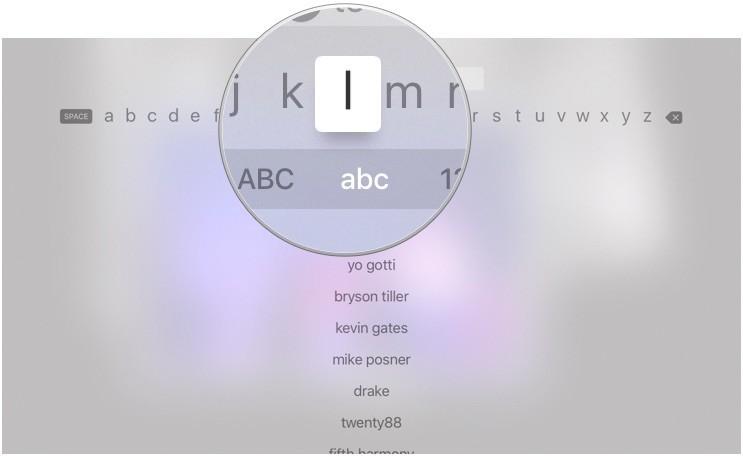
Search for IPTV Smarters
Use the search function to find 'IPTV Smarters Pro' in the App Store.
Download the App
Select IPTV Smarters Pro and click 'Get' to download and install the application.
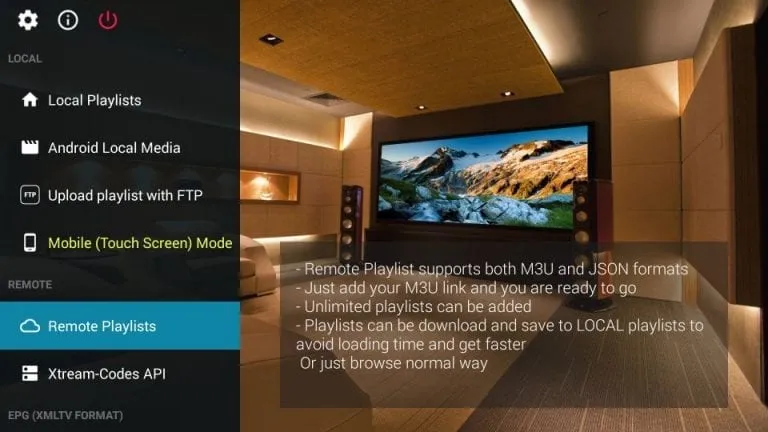
Open the App
Once installed, open IPTV Smarters Pro from your Apple TV home screen.
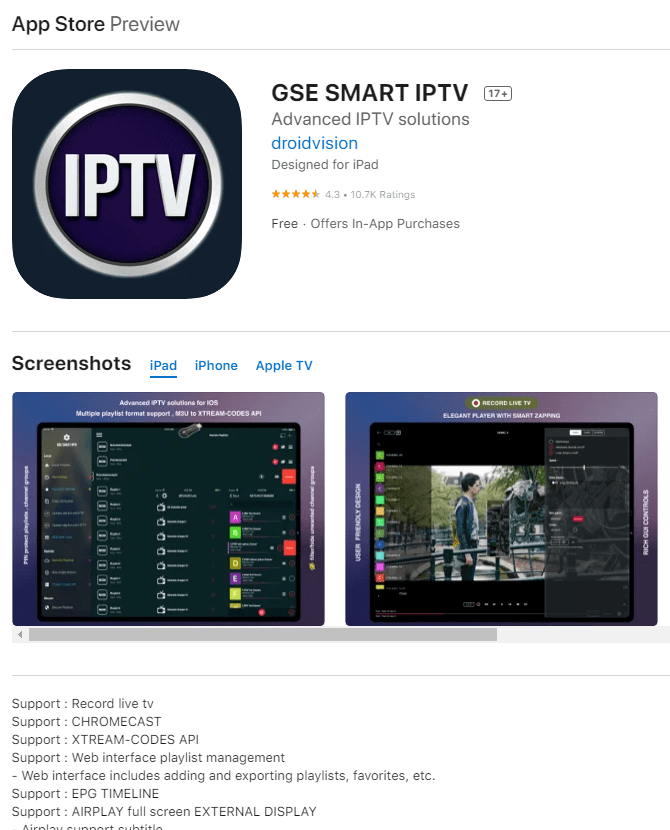
Enter Your Credentials
Select 'Xtream Codes API' login method and enter the credentials provided in your welcome email.
Start Watching
You're all set! Browse through live channels, movies, and series to start watching.
Installation Terminée !
Votre Apple TV est configuré. Profitez de 20 000+ chaînes en qualité 4K et HD.

Besoin d'Aide ?
Vous avez des difficultés avec l'installation ? Notre équipe de support 24/7 est prête à vous aider. Contactez-nous à tout moment.